How I Use Lens Filters to Create Magic Straight Out of Camera
In this post, I’m sharing how I create in-camera photography effects using creative lens filters for portraits and editorial shoots. Also, make sure to read till the end for a small bonus from me haha %%%
Why I Choose Experimentation Over Perfection
I’ve always believed that some of the most beautiful results in photography come from experimentation.
While I absolutely love capturing images “through the eye” — clean, intentional, technically strong — there’s something incredibly exciting about stepping outside of that and allowing creativity to take over. Especially when I’m working on editorial or more artistic projects, I often look for ways to add a subtle, unique touch directly in-camera.
Because for me, that’s where the real magic happens.
I’m not a big fan of relying heavily on post-processing to create effects. Of course, editing is an essential part of photography — but I’ve always been drawn to achieving as much as possible in-camera. There’s something deeply satisfying about knowing that the final image came together through your vision, your skill, your lighting, and the tools you physically held in your hands.
It simply feels more real. More intentional. More rewarding.
My Introduction to Prism Photography
From very early on in my photography journey, I was introduced to prisms by a fellow photographer. I experimented with different handheld prisms — including kaleidoscope-style ones — and instantly fell in love with the creative possibilities.
But let’s be honest… they weren’t always the easiest tools to use.
Trying to hold a camera, adjust your lens, and position a prism all at the same time? Not the most efficient setup—especially when working quickly or directing a model.
That’s when I discovered PrismFX.
Their filters completely changed the game for me. Instead of juggling multiple elements, I could now integrate creative effects seamlessly into my workflow — without compromising speed or control.
And since then, filters have become a core part of my creative process.
My Favorite Filters & How I Use Them
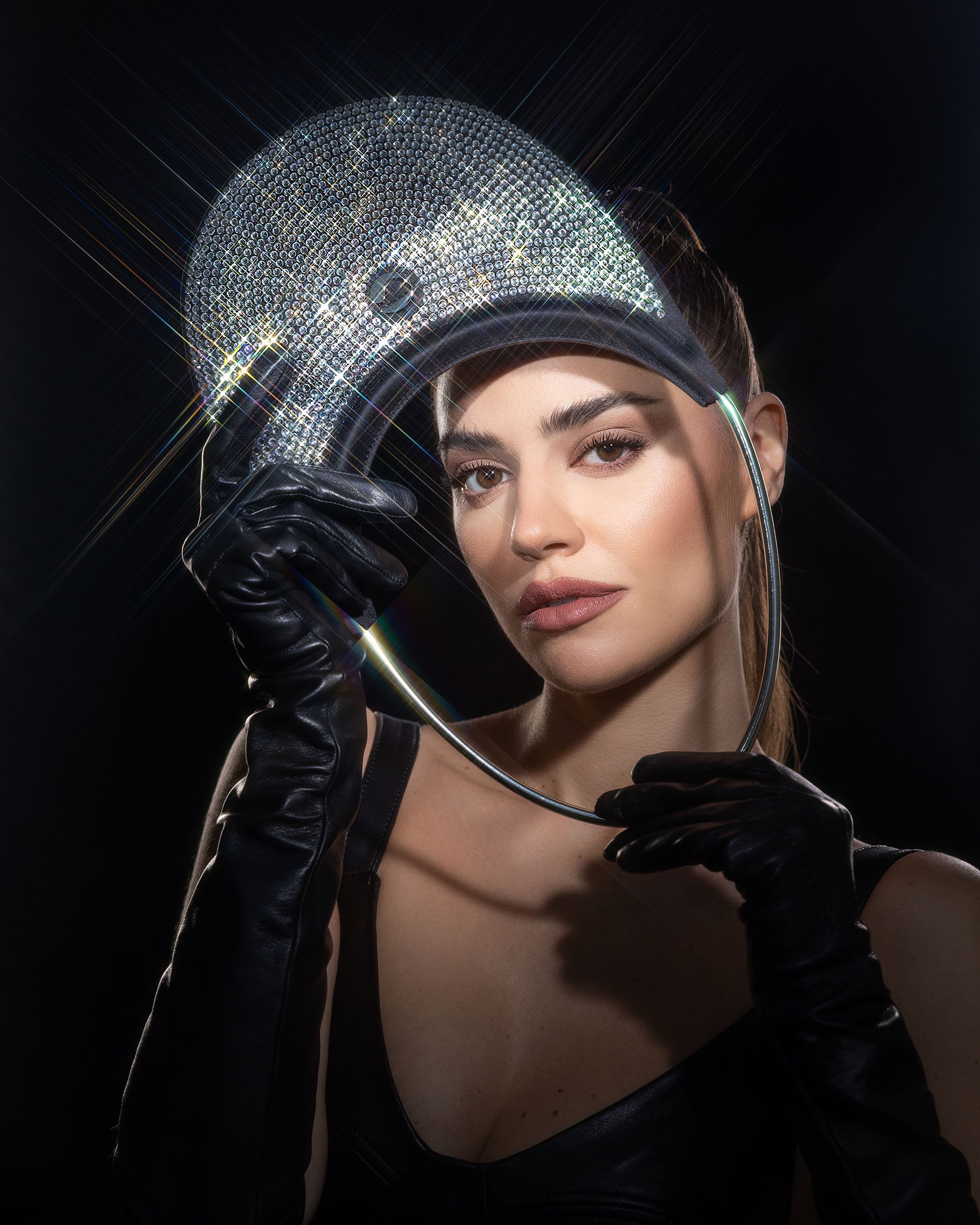
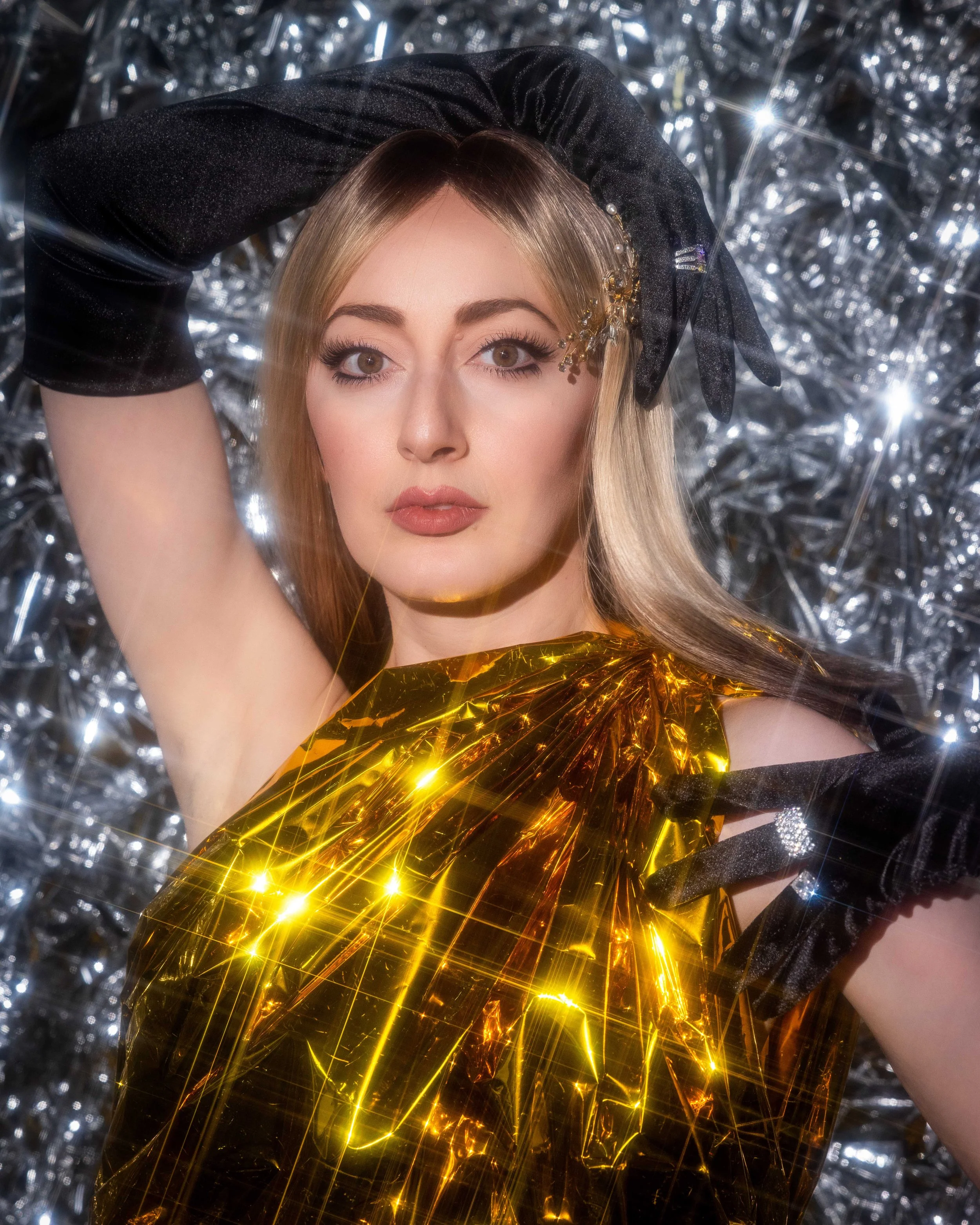
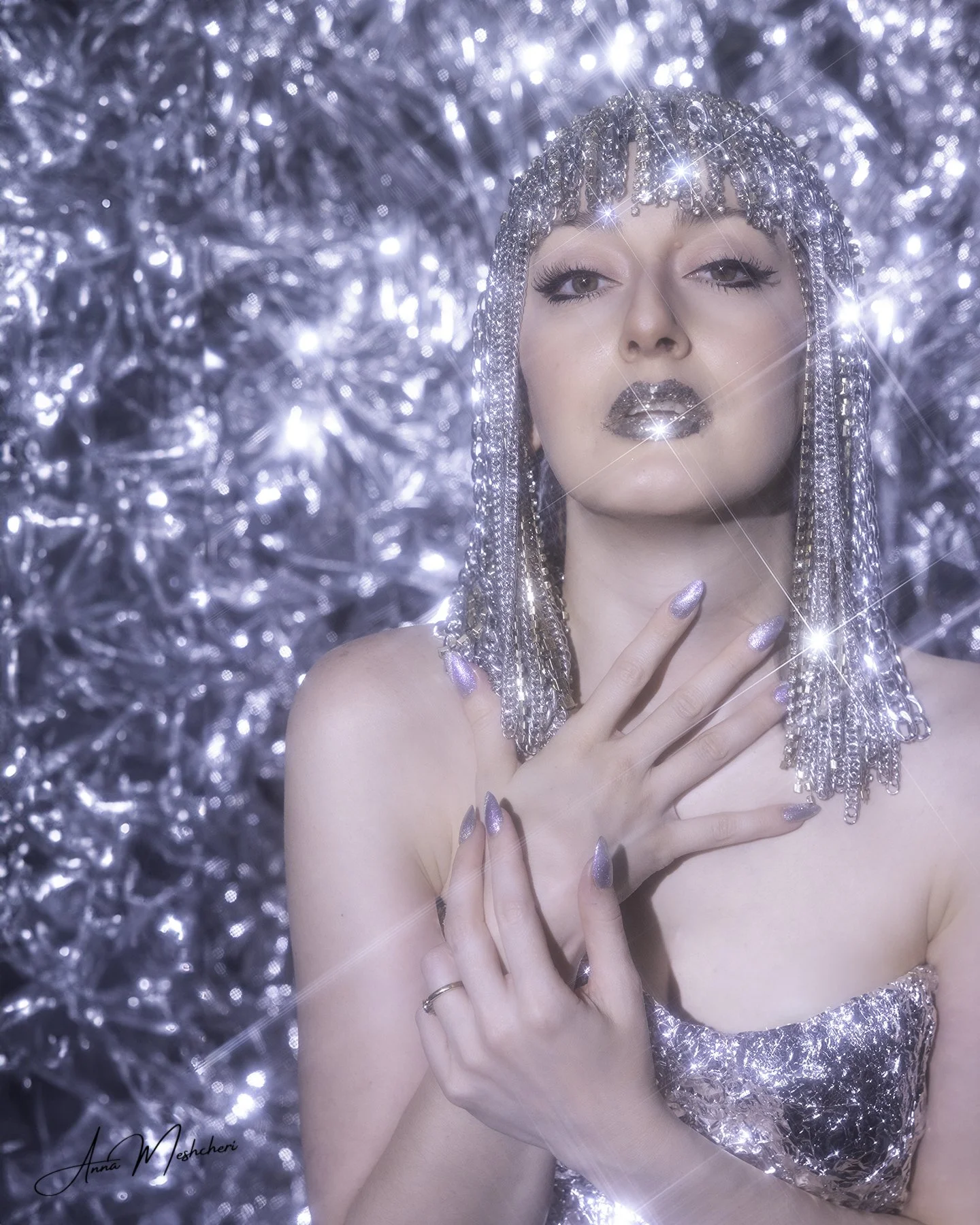
Starburst FX Filter — My Go-To for Glam
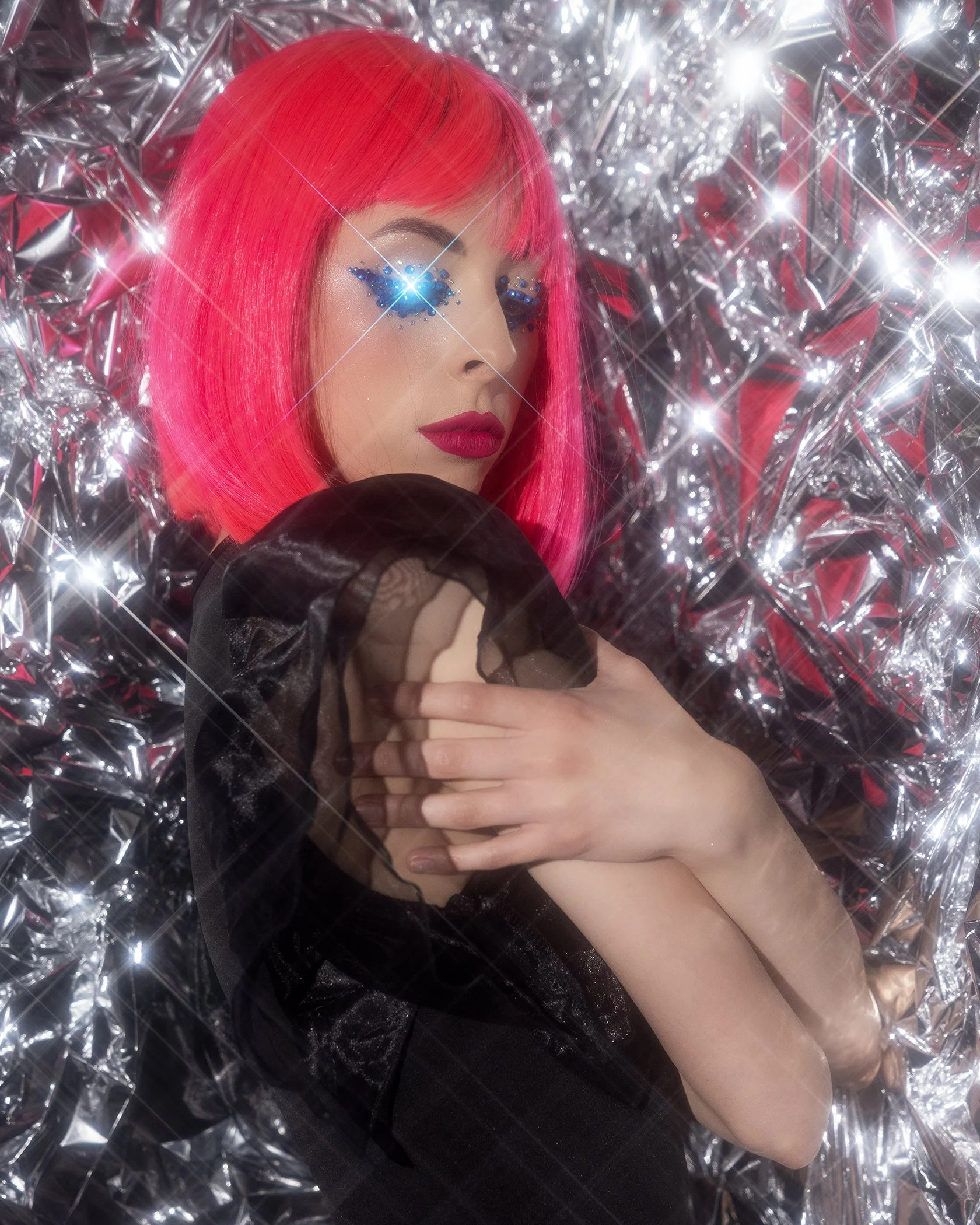
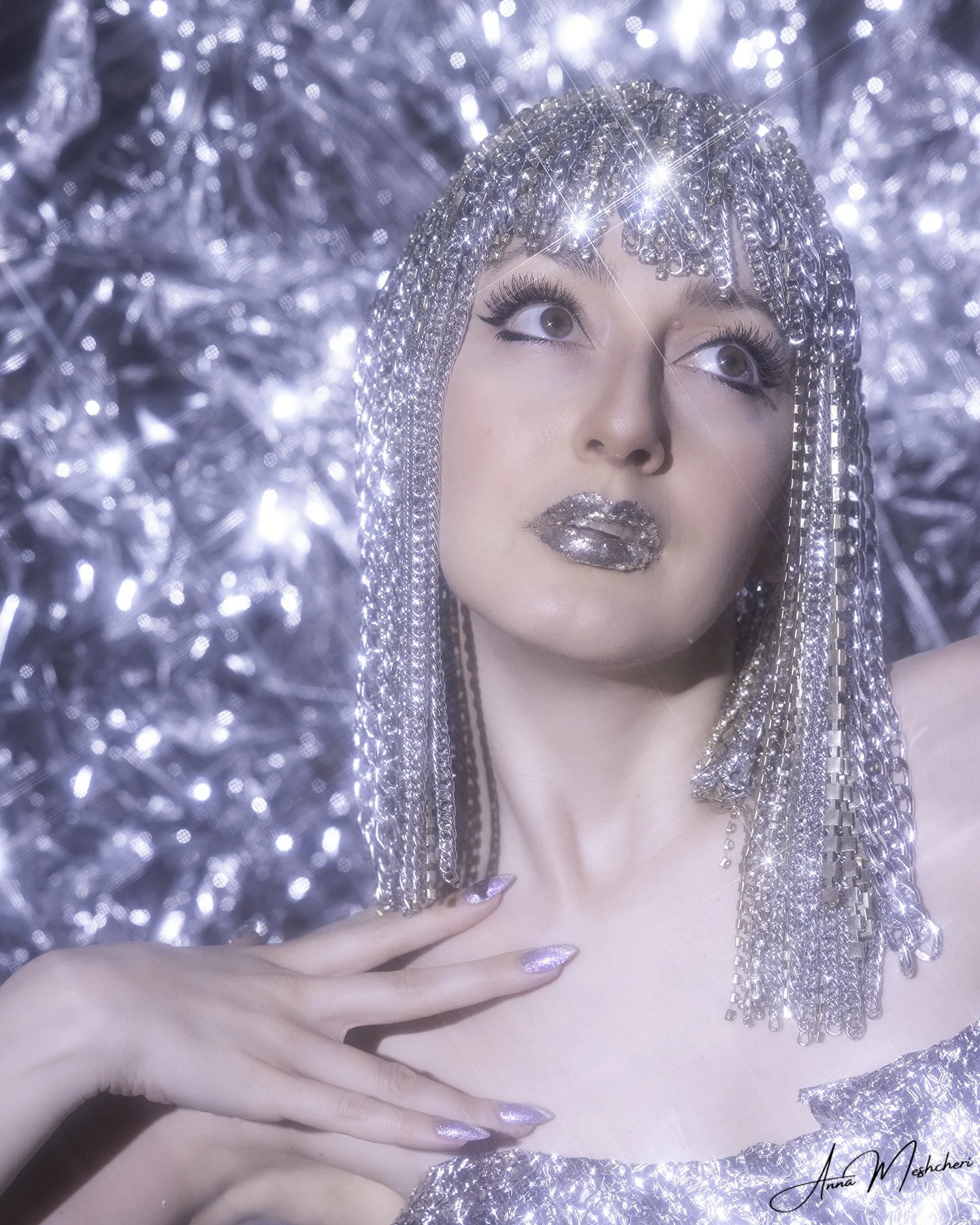
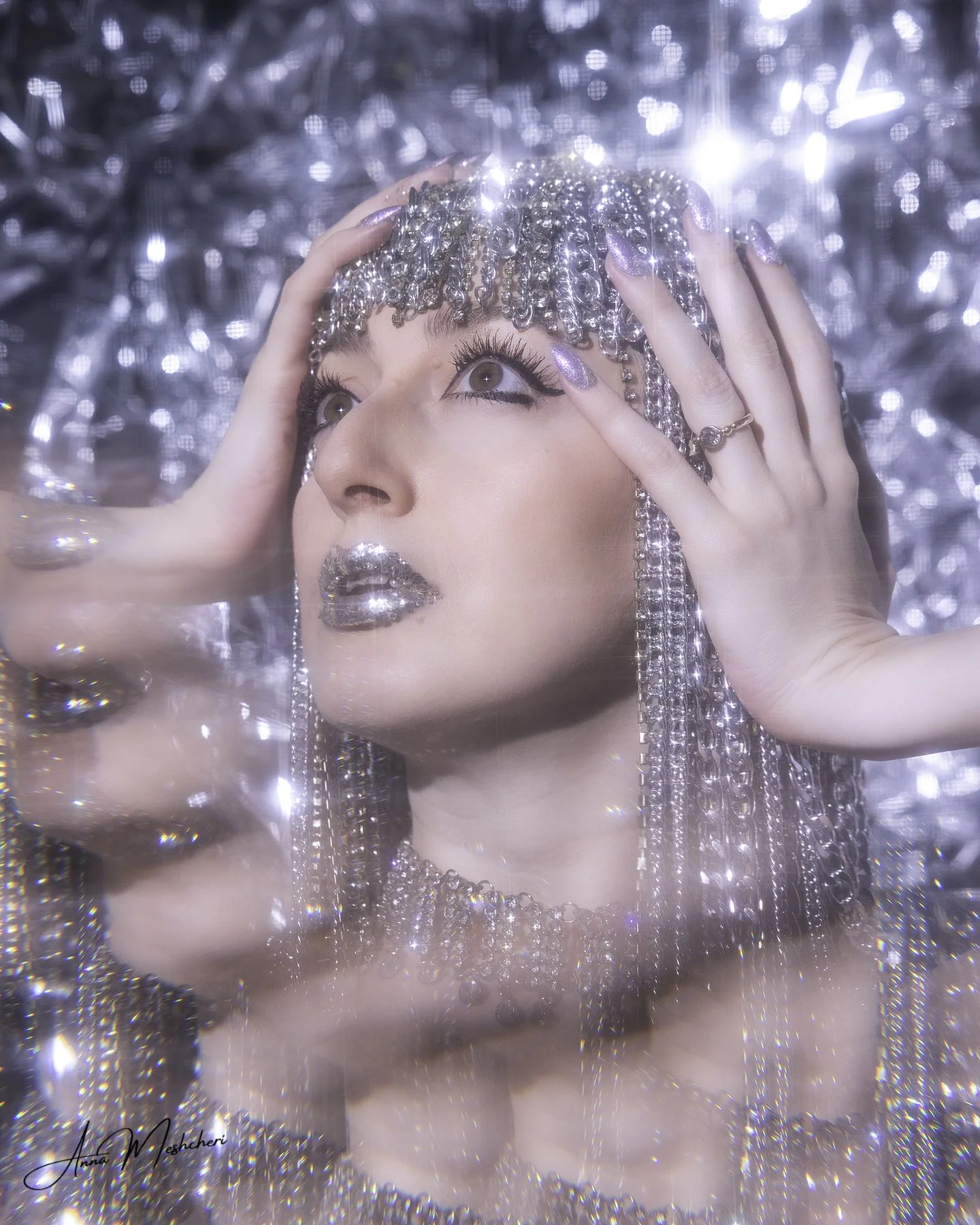
If I had to choose one filter I use the most, it would be the Starburst FX filter.
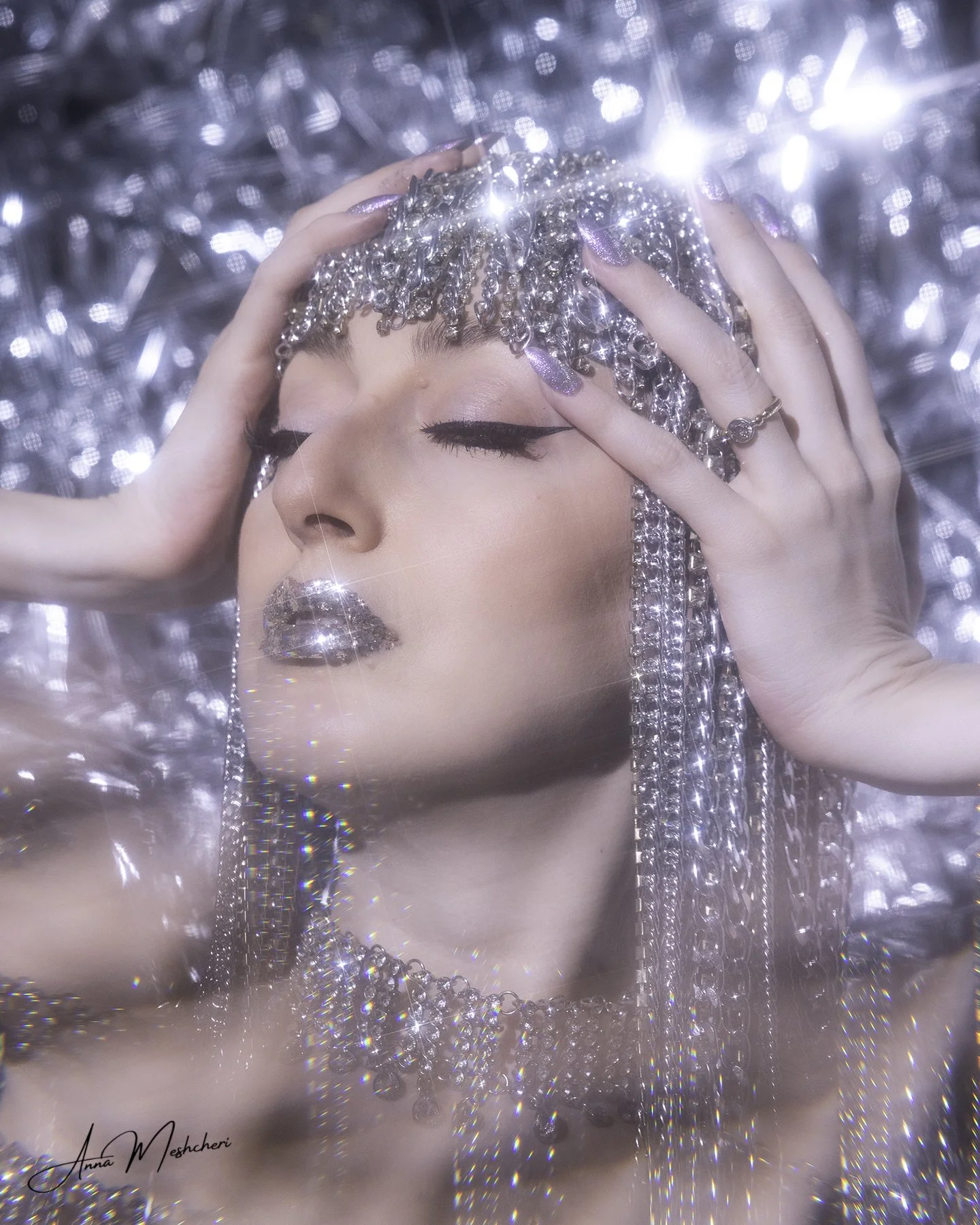
It’s incredibly versatile and perfect for adding that extra glow to your images. I especially love using it when photographing jewelry, metallic textures, or anything that interacts with light.
One of my favorite shoots was a fully silver editorial setup — silver mylar, reflective textures, a model styled head-to-toe in silver — and this filter completely transformed the final look. The way it catches highlights and turns them into sparkling flares is just unreal.
I’ve tried recreating similar effects using overlays in post (yes, those “bling” overlays from Etsy), but it never felt quite right. You can always tell when something was added later.
When it’s created in-camera? It feels natural, cohesive, and elevated.
Moody FX Filter — Cinematic Softness
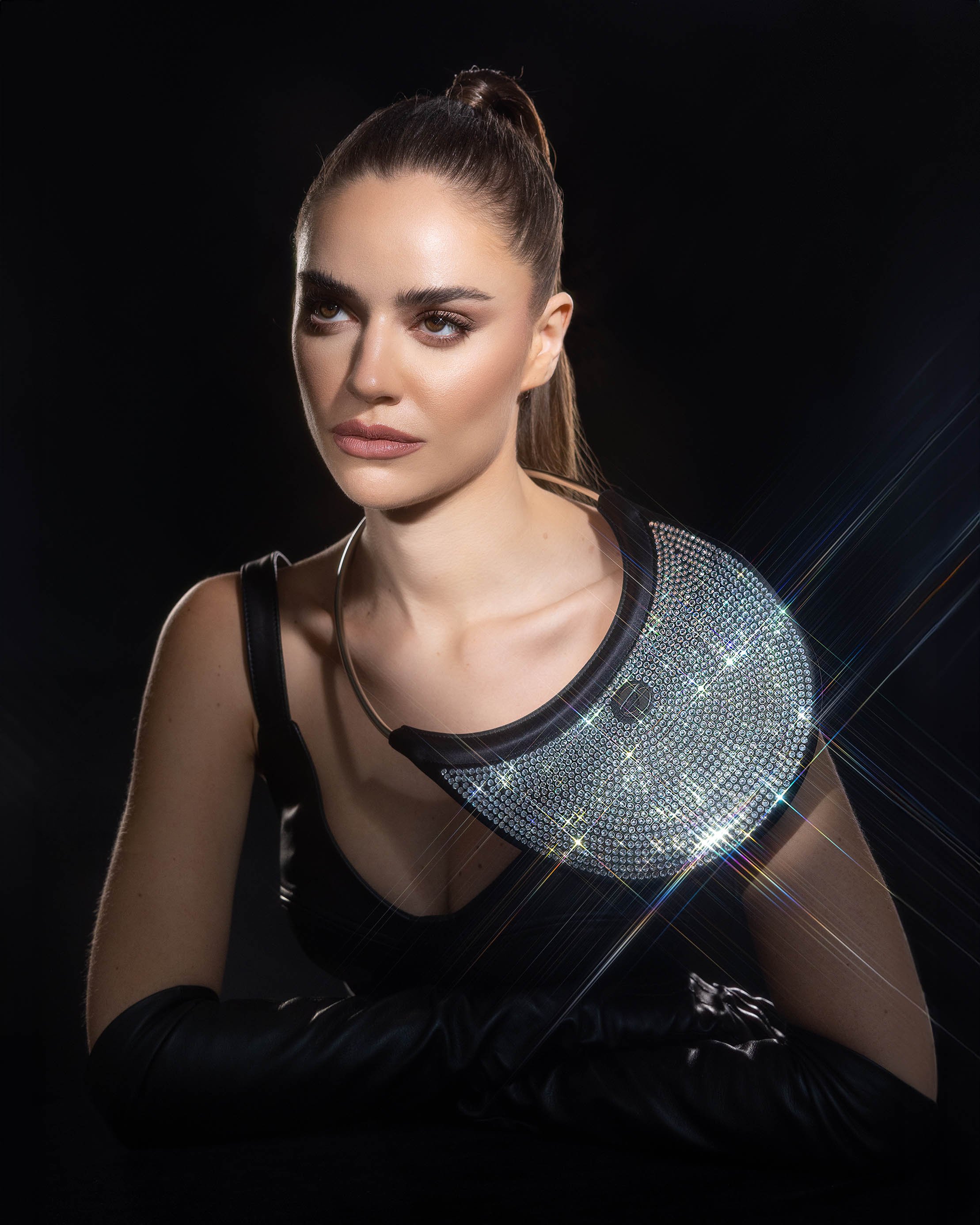
The Moody FX filter adds a soft, cinematic finish to your images.
It has a subtle glow and a slight starburst quality, which makes portraits feel more atmospheric and film-like. While I don’t use it as often as others (since I don’t always go for a cinematic look), it’s an amazing option when I want to instantly shift the mood of a shoot.
Even without sparkly elements, this filter creates depth and emotion in a very effortless way.
Split Kaleidoscope FX Filter — Creative & Unexpected
This one is where things get really fun.
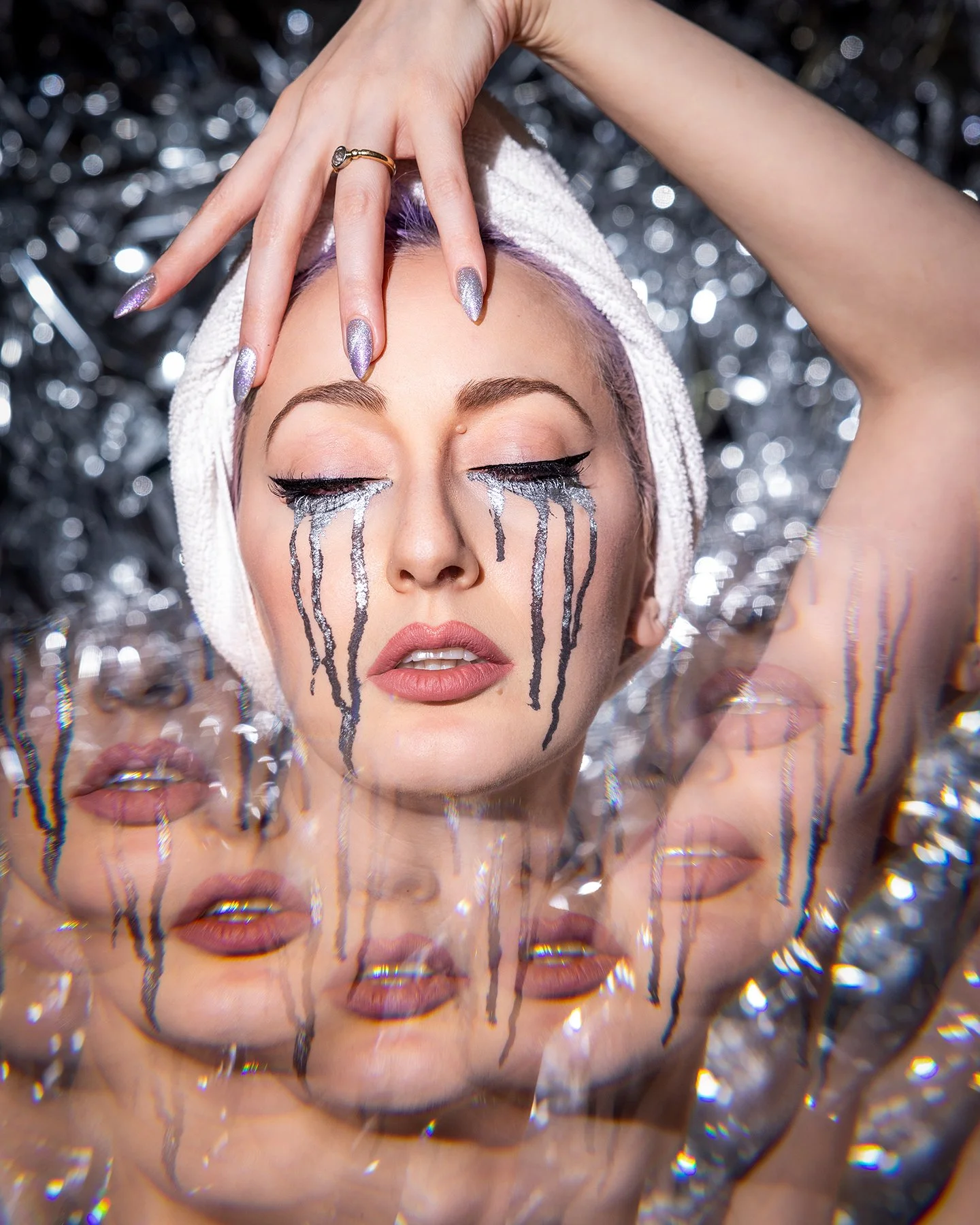
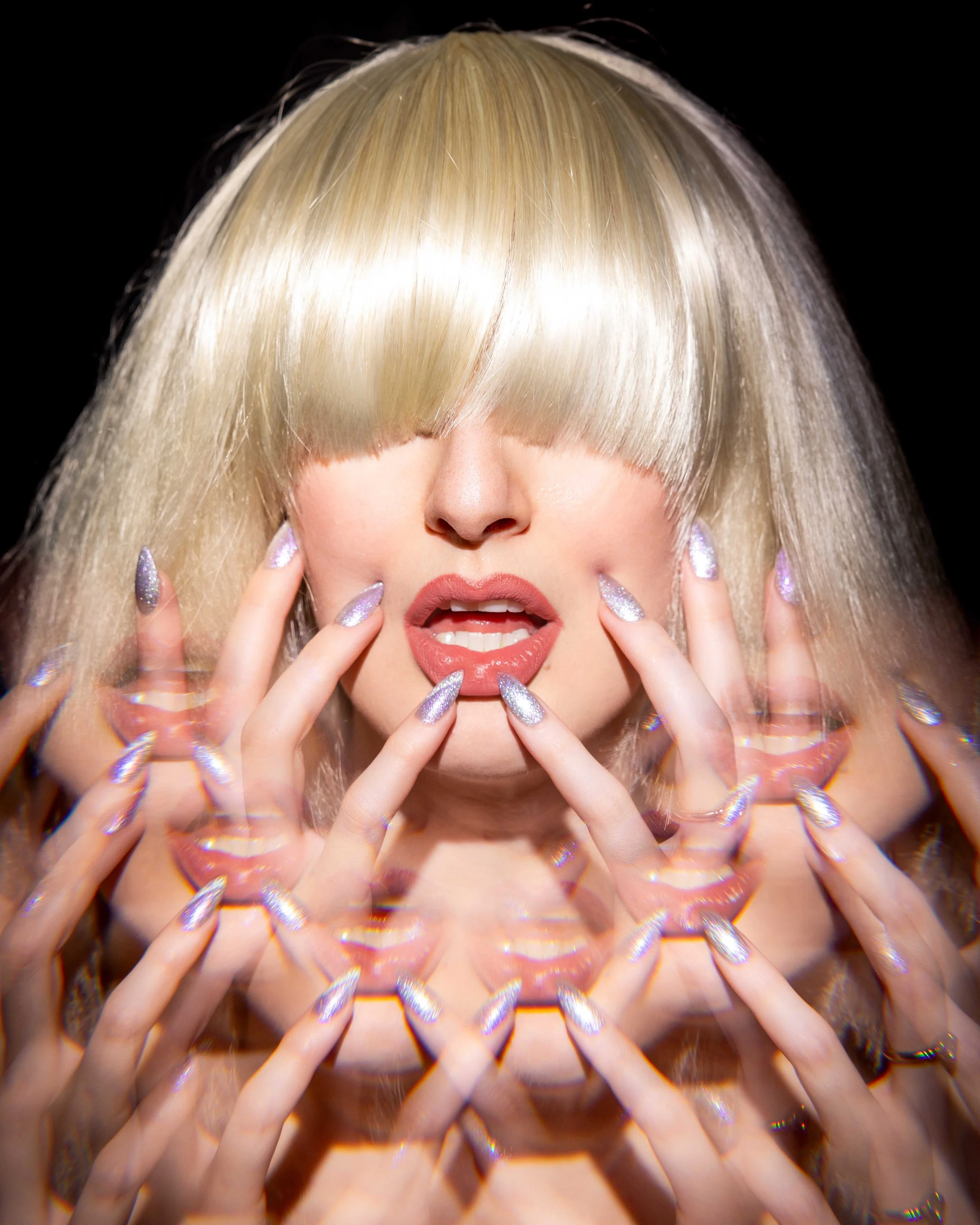
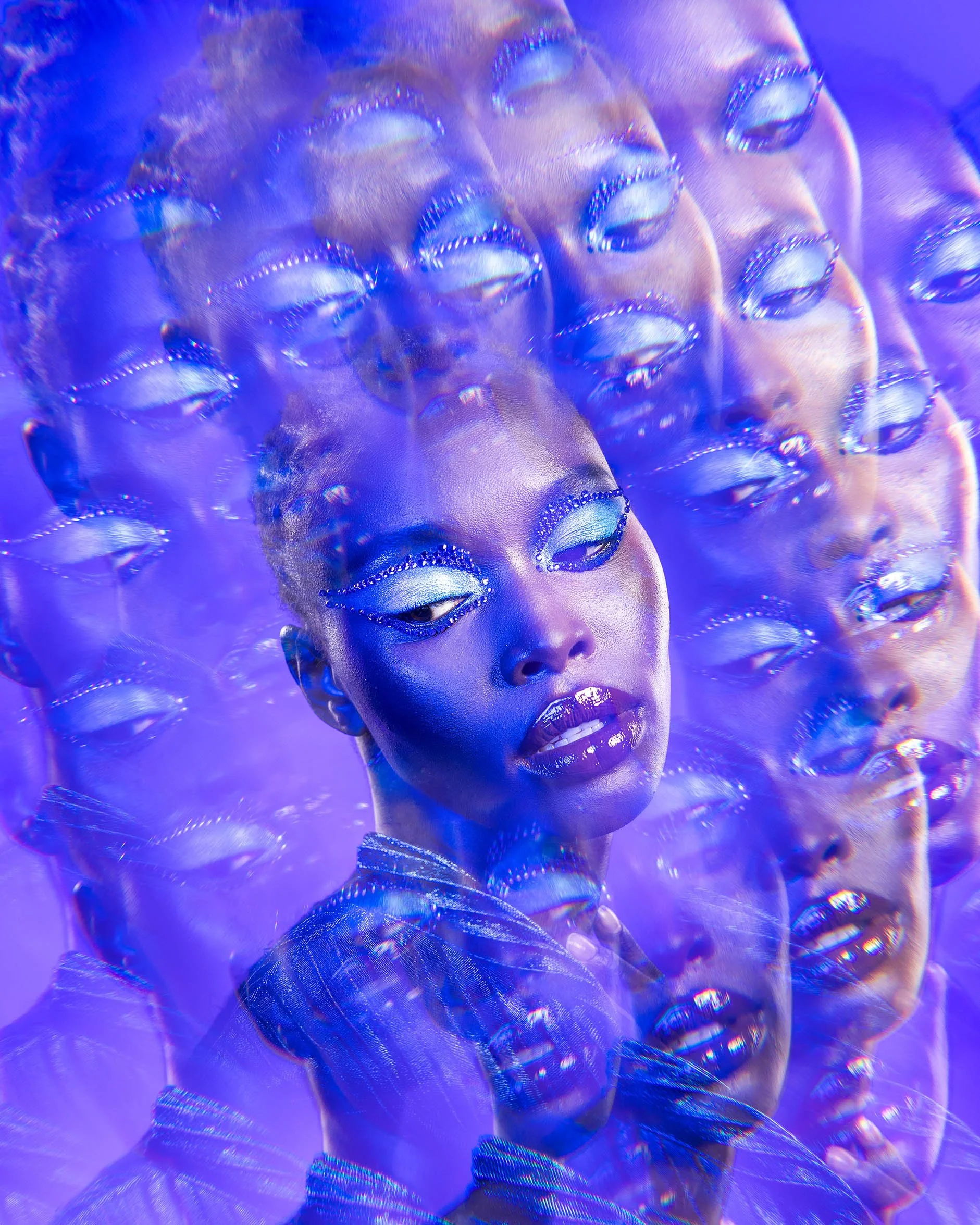
The Split Kaleidoscope FX filter allows you to create reflections, duplications, and abstract compositions — all in-camera.
It does require practice. You need to understand angles, positioning, and how to guide your subject within the frame. But once you get the hang of it, the results are truly out of this world.
This is one of my favorite tools for creative editorials when I want something that feels unique, unexpected, and visually striking.

Handheld Kaleidoscope Prism — Beautiful but Challenging
I still own a handheld kaleidoscope prism that was gifted to me by a friend.
And while it’s definitely more challenging to use, I still love it.
There’s something very raw and experimental about working this way — physically moving the prism, adjusting angles in real time, and capturing something unpredictable. It’s not the most convenient tool, which is why I don’t use it as often anymore, but every time I do, it feels like creating art from scratch.
Halo FX Filter — Editorial Perfection
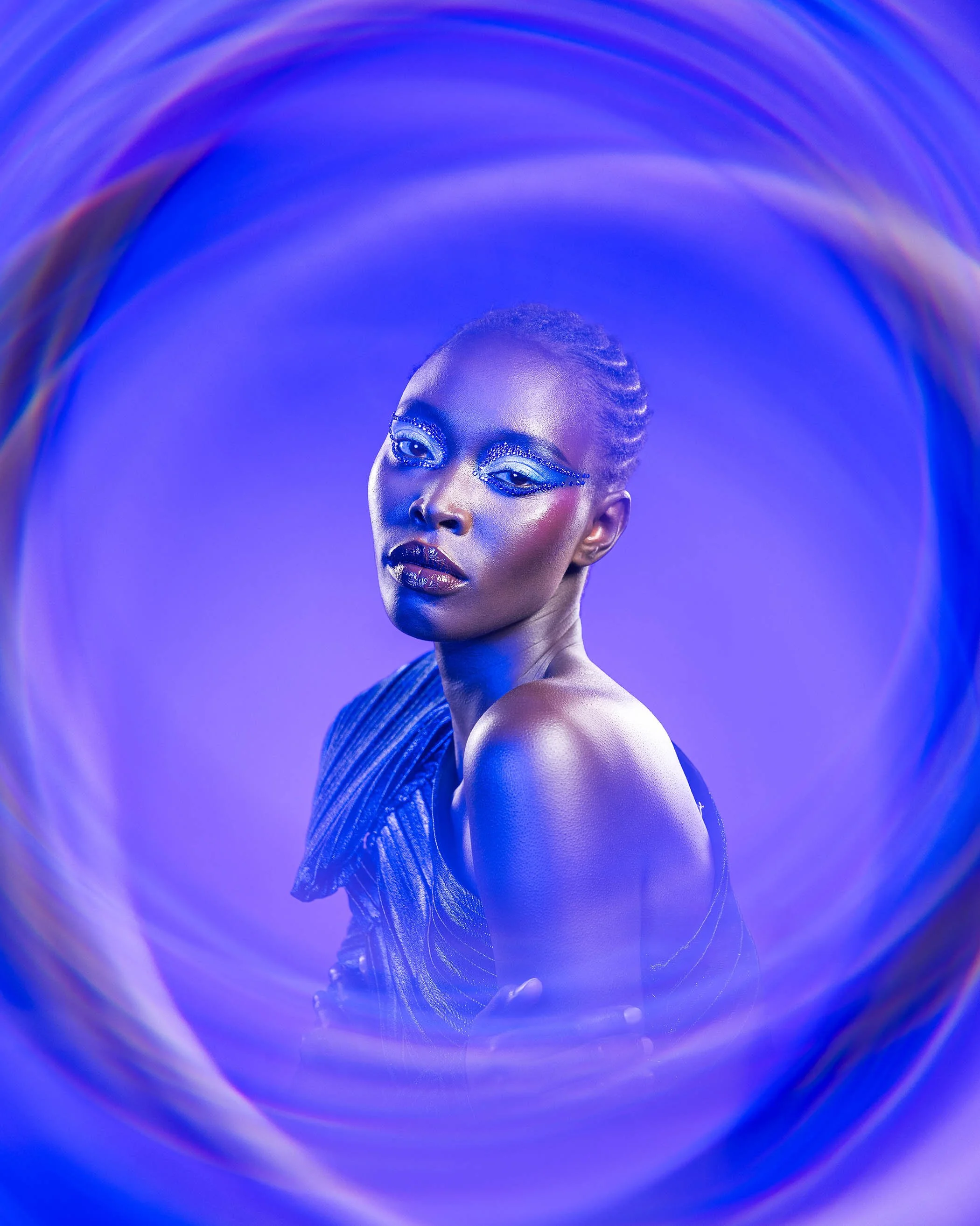
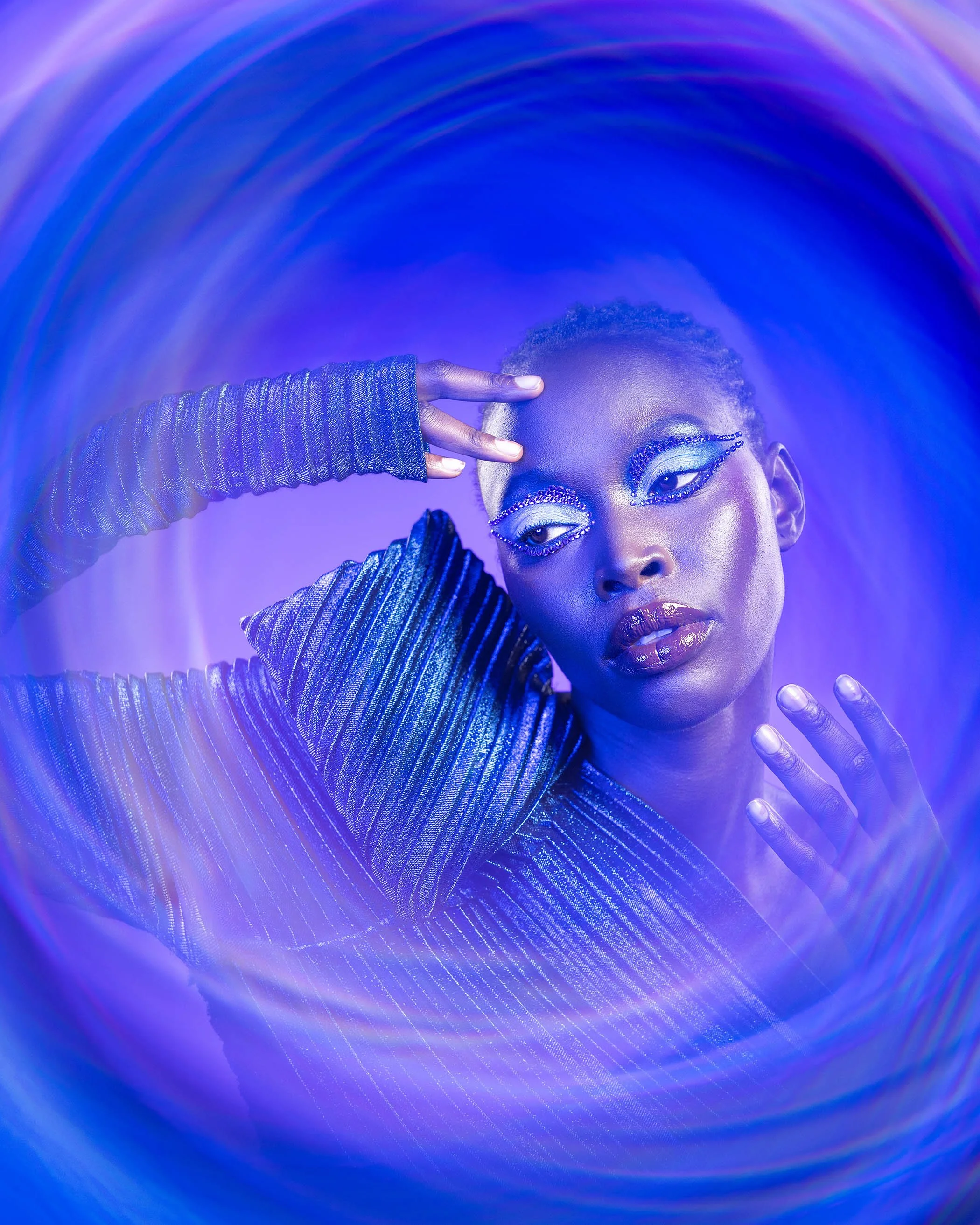
This is one of the newest filters I’ve tried — and I’m obsessed.
The Halo FX filter creates this beautiful glow that feels very editorial and high-fashion. It’s subtle, but impactful — the kind of effect that elevates an image without overpowering it.
It’s not something you can easily replicate without tools, which makes it even more special. Definitely one I see myself using more and more.
Combining Filters for Even More Creative Possibilities
One of the most exciting things about working with PrismFX filters is that you’re not limited to using just one at a time—you can actually combine them to create entirely new effects. And honestly, this is where things get really fun. Layering filters opens up a whole new level of creativity and gives you results that feel even more unique and personal. For example, I recently combined my Moody FX filter with the Split Kaleidoscope filter, and the result was incredible—I was able to achieve those abstract, multi-dimensional reflections while still keeping the soft glow and subtle “blinks” in the highlights. It’s this kind of experimentation that keeps my creative process exciting, and I absolutely love exploring these combinations to push my work even further.
Why I Prefer In-Camera Effects
At the end of the day, it all comes down to intention.
Yes, you can recreate many of these effects in Photoshop. But for me, it’s not just about the final look — it’s about the process.
Creating something in-camera:
Feels more authentic
Enhances my creative flow on set
Pushes me to think differently
And ultimately makes the final result more rewarding
It’s the difference between adding an effect… and creating it.
Want to Try It Yourself?
If you’ve been curious about experimenting with filters, I highly recommend giving them a try. They’re one of the easiest ways to elevate your photography and step into a more creative space without overcomplicating your workflow.
If you decide to explore PrismFX filters, you can go to their website ← by following this link and use my code TSQ15 for 15% off. I do earn a small commission, so thank you in advance for supporting my work — it truly means a lot.
And trust me… once you start experimenting, you won’t want to stop.
Final Thoughts
Photography doesn’t always have to be perfect.
Sometimes, it’s about playing, experimenting, and allowing yourself to create something unexpected.
That’s where the magic lives.